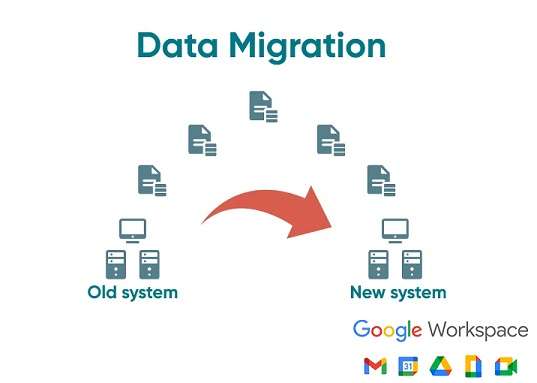
Google Workspace Migration is the process of transferring emails, calendars, contacts, and other data from another email service to Google Workspace. This is useful for businesses transitioning from platforms like Microsoft Exchange, Office 365, or other Gmail accounts. Google provides an easy and secure way to move everything without losing important information.
Simple Steps for Google Workspace Migration
Plan the Move: Before beginning, determine which data to migrate (such as emails and calendars) and choose a time that minimizes disruption to your team’s work.
Set Up Google Workspace: First, the organization creates a Google Workspace account. Admins should ensure all users are added so their data can be transferred.
Use Migration Tools: Google offers various tools for data migration:
Google Workspace Migration for Microsoft Exchange is used to transfer data from Microsoft platforms.
The Data Migration Service helps move data from other Gmail or IMAP-based accounts. These tools simplify the process and avoid manual transfers.
Configure the Migration: Admins select the data to move (such as emails, contacts, etc.) and can apply filters, like migrating only data from the past year.
Start the Migration: Once everything is set up, the migration process begins. The duration can range from a few hours to a few days, depending on the amount of data being transferred.
Monitor the Migration: Admins can track the migration progress through the Google Admin Console. They can address any issues and ensure everything is transferring properly.
Verify After Migration: After the migration is complete, both admins and users should check that all emails, contacts, and calendar events have been transferred. Any missing data can be resolved.
Switch to Google Workspace: Once the migration is finished, users can begin using Google Workspace. Their old emails, calendars, and contacts will be available in Gmail, Google Calendar, and other apps.
How Can We Help?
Check out our customer-focused support resources. If you don’t find what you are looking for, fill out the contact form.