Google Slides is an online tool for creating presentations, part of Google Workspace. It allows you to create, edit, and share presentations from anywhere with an internet connection. Being cloud-based, your work is saved online and accessible from any device.
Key Features of Google Slides:
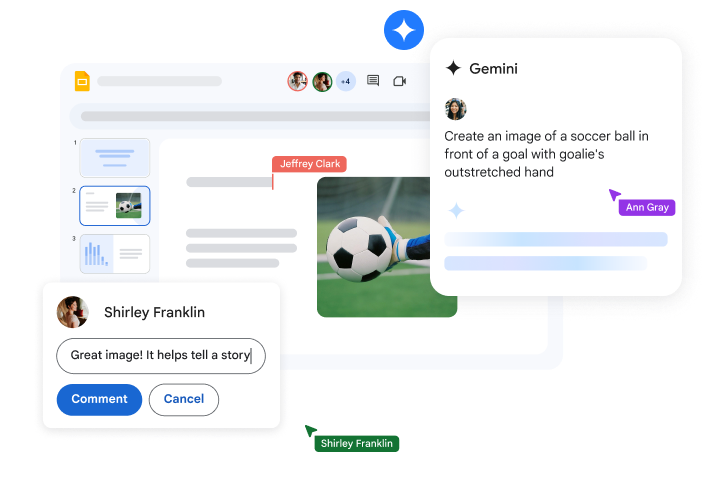
Real-Time Collaboration: Multiple people can work on the same presentation simultaneously, with changes appearing instantly, making it ideal for group projects or team presentations.
Access Anywhere
Since Google Slides is cloud-based, you can access and work on your presentations from any device—computer, tablet, or phone. Everything is automatically saved in Google Drive.
Easy Sharing: Share your presentation by sending a link, and control whether others can view, comment, or edit the slides.
Pre-designed Templates: Google Slides offers a variety of templates to help you create a polished presentation quickly, with designs that suit your style or project.
Google Tools Integration
Google Slides integrates seamlessly with other Google Workspace apps like Docs and Sheets. For instance, you can insert charts from Google Sheets into your presentation.
Offline Use: Work on your presentation offline by enabling offline mode, and your changes will sync once you’re online again.
Presentation Mode: Present your slides directly from Google Slides, or use Google Meet to share your screen during virtual meetings.