Workspace Admin
(formerly G Suite)
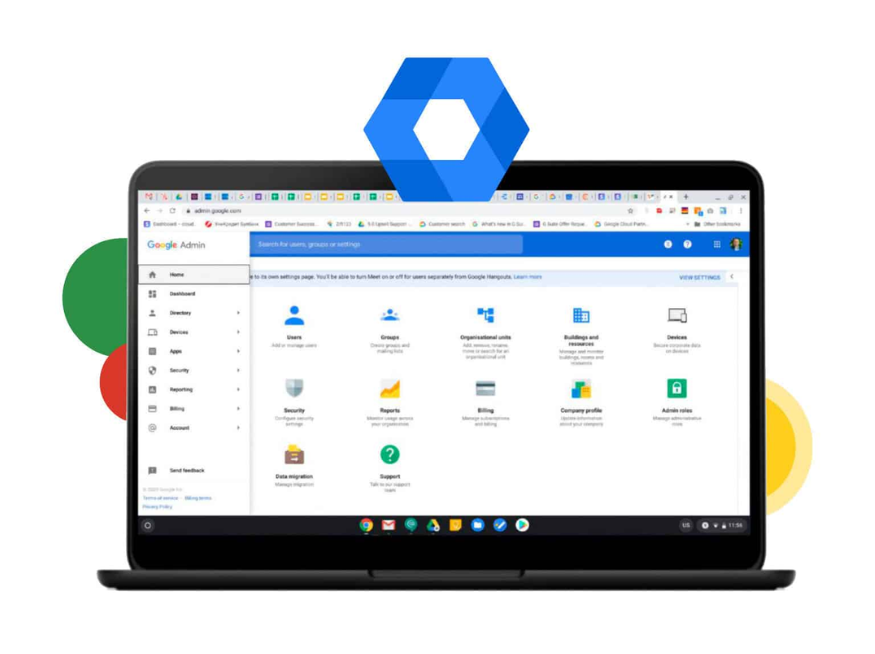
Google Workspace Admin is a tool that enables administrators to manage all aspects of Google Workspace (formerly G Suite). Google Workspace includes cloud-based tools like Gmail, Google Drive, Google Docs, and more, designed to enhance collaboration and productivity within organizations.
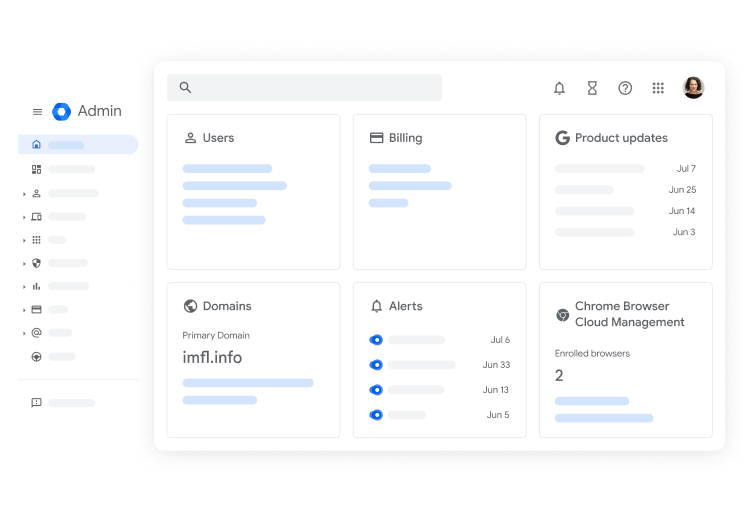
The Admin Console is the central hub for administrators to set up, manage, and secure Google Workspace for their business. It allows them to control user access, manage apps, and ensure the organization’s security.
Google Workspace Admin Key Features
User Management: Admins can add or remove users, reset passwords, and assign roles to control access to the organization’s tools.
App Management: Admins can choose which apps (like Gmail, Google Meet, or Google Sheets) are available to employees and customize their settings.
- Security Settings: Admins can configure security features such as 2-step verification, password policies, and data protection to safeguard company information.
- Device Management: Admins can manage devices connected to the company’s Google Workspace account, ensuring security, especially for remote employees.
- Reports and Insights: Admins can access reports on employee usage, such as file sharing and device activity, to identify productivity trends and security risks.
- Domain Management: Admins handle company domains (e.g., @companyname.com) and set up email addresses for employees within the business domain.
- Support and Permissions: Google Workspace Admin provides access to Google support and allows admins to assign varying levels of permissions to team members.
Conclusion
Google Workspace Admin is an essential tool for organizations using Google Workspace. It enables admins to manage users, apps, and security in one centralized location, ensuring companies stay organized, productive, and secure.