Google Drive for Google Workspace
(previously G Suite)
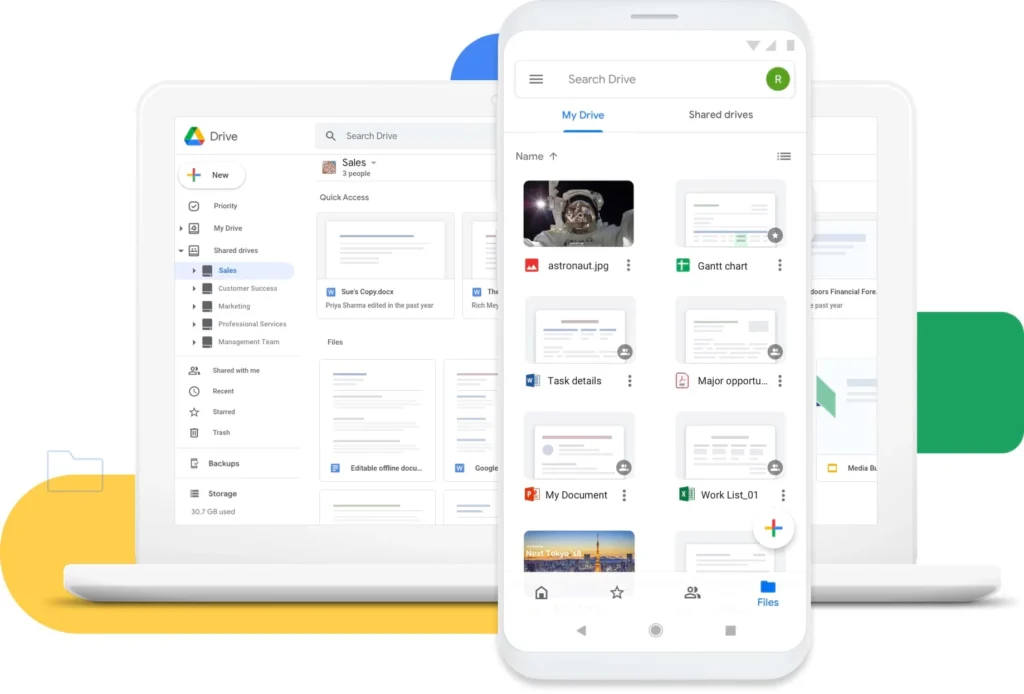
Google Workspace Drive is a cloud-based file storage service included in Google Workspace (formerly G Suite), designed for businesses, schools, and organizations. It enables users to store, share, and collaborate on files from anywhere with internet access. Here are the key features of Google Workspace Drive:
Key Features of Google Workspace Drive:
Cloud Storage: Google Workspace Drive provides scalable cloud storage, with plans ranging from 30GB to unlimited storage, depending on the subscription tier. This ensures easy file storage and backup without the concern of running out of space.
File Sharing and Collaboration Tools
File Versioning: Google Workspace Drive tracks changes to documents, with version history available for up to 30 days. This allows users to revert to previous versions if needed.
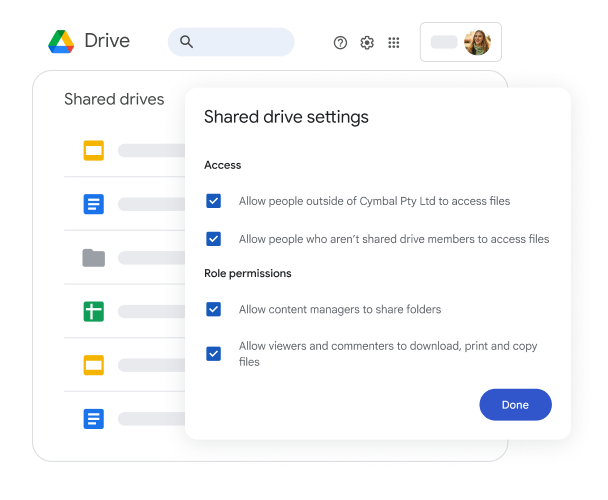
Security and Access Control: Designed with enterprise-level security, Google Workspace Drive lets administrators manage access, enforce data loss prevention policies, and ensure sensitive information is shared only with authorized users. Additional security features, such as two-step verification and endpoint management, provide further protection.

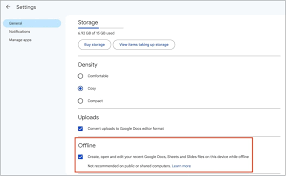
Access Files Offline
Offline Access: Files stored in Google Workspace Drive can be accessed without an internet connection. Users can sync files to their devices, enabling productivity anytime, anywhere.
Seamless Integration: Google Workspace Drive integrates effortlessly with tools like Gmail, Calendar, and Meet, allowing users to attach files to emails, set up sharing for meetings, and more.
Advanced Search: Powered by Google’s search algorithms, Workspace Drive makes it easy to find files using filters like type, modification date, or owner, even if the file name is forgotten.
Conclusion: Google Workspace Drive is more than just cloud storage—it’s a robust solution for businesses and organizations, enhancing collaboration, security, and file management across teams.